Shaping Seamless Experiences for a Luxury Automotive Brand
Over the past three years, I have been responsible for redesigning multiple digital touchpoints of a leading automotive brand. Working in agile teams and collaborating closely with product owners, developers, and fellow UX designers, I contributed step by step to creating a more intuitive and cohesive online experience while ensuring alignment with the existing design system.
AI-Generated Image
UX Design
UI Design
Concept
Prototyping
Accessibility
Agile
Scrum
Cross functional teams






Model comparison
The existing comparison tool had to be technically rebuilt. Previous research and best practices revealed some pain points to be improved. Users struggled to identify the key differences between models and often dropped off before reaching the next step in the journey.
I redesigned the comparison experience to make model differences clearer, align it with the existing selection page, and ensure a smooth transition towards the configurator or used-car platform.

CTA placement and navigation
Introduced CTAs in the hero section and page navigation so users could directly move to the configurator or used-car platform without scrolling to the end.
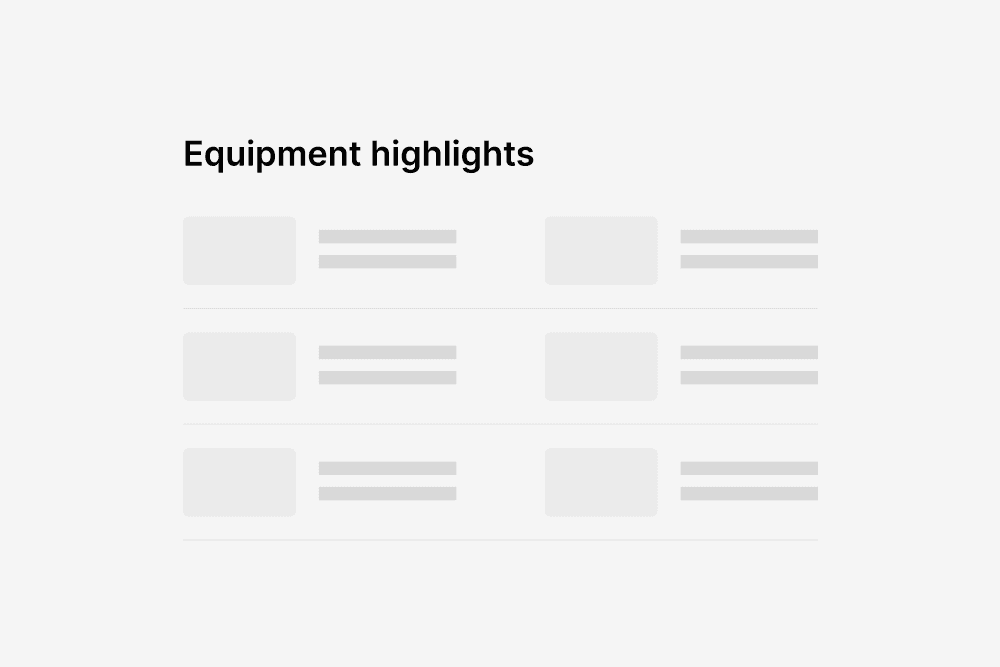
Highlights
Added highlighted technical specs and key equipment data to improve clarity of differences between models.

Unified model selection
Unified the model selection logic and design with the existing model selection page, ensuring consistent data presentation and visual design across both modules.
Model Selection
The existing model selection page was difficult to navigate. Users struggled to understand the differences between models, missed a clear hierarchy, and were confused by unclear variant labels such as “GT” or “GTS”.
I redesigned the model selection experience to provide clarity, enable filtering across a broad product range, and integrate the selection process seamlessly with the comparison tool.
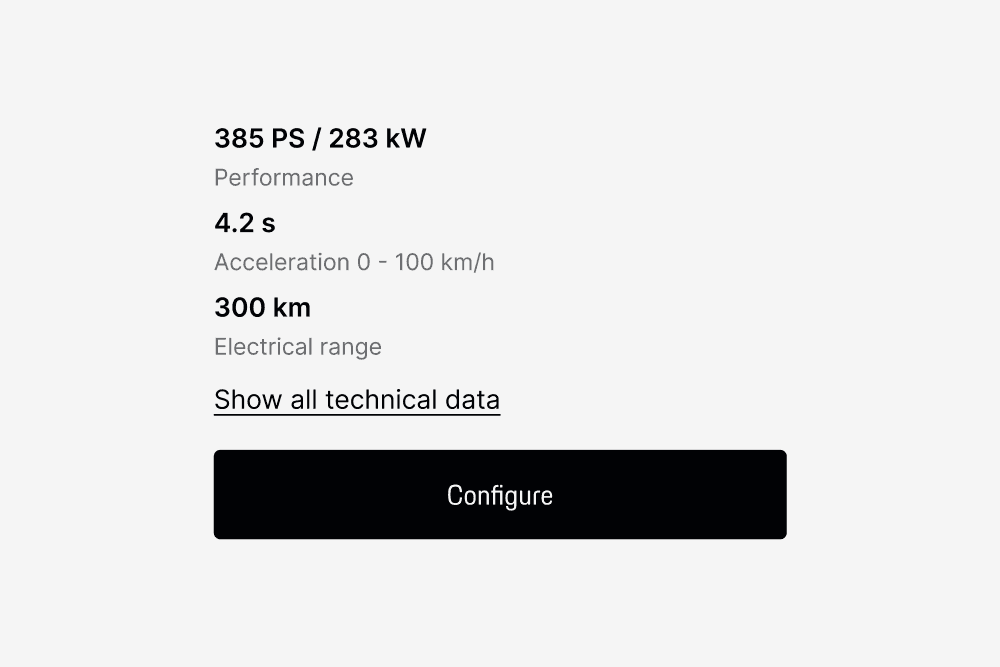
Technical data
Defined key decision attributes based on user interviews. Three attributes are always displayed, with context-based substitutions (e.g. electric range instead of top speed for EVs, trunk volume instead of top speed for SUVs).
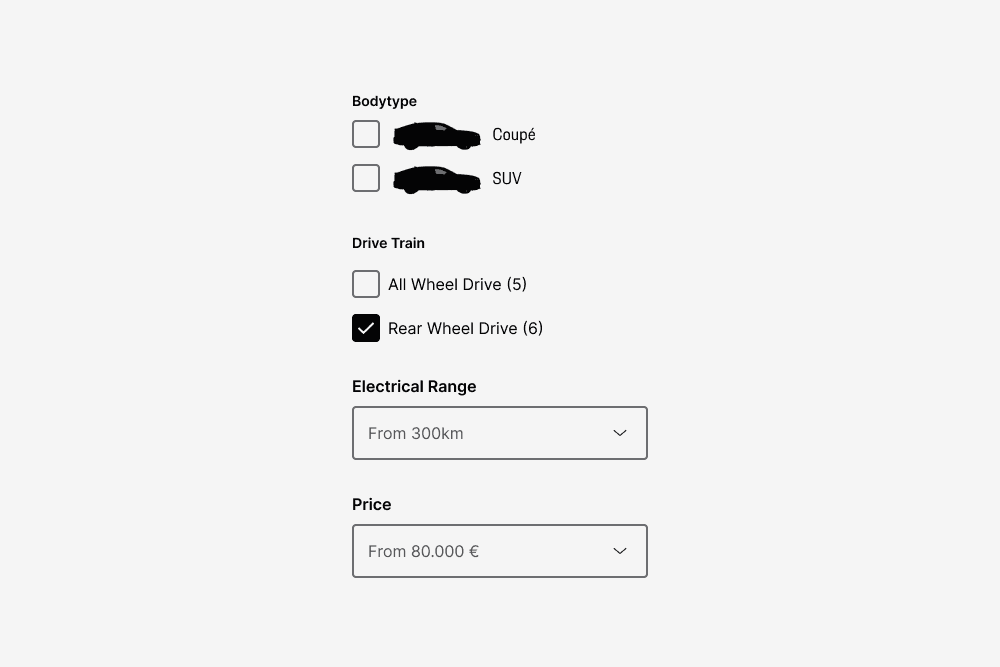
Filtering
Introduced advanced filtering options for budget, power, drivetrain, and body type to help users navigate a wide product palette. Added direct comparison functionality so users can select models and send them straight into the Model Comparison tool.
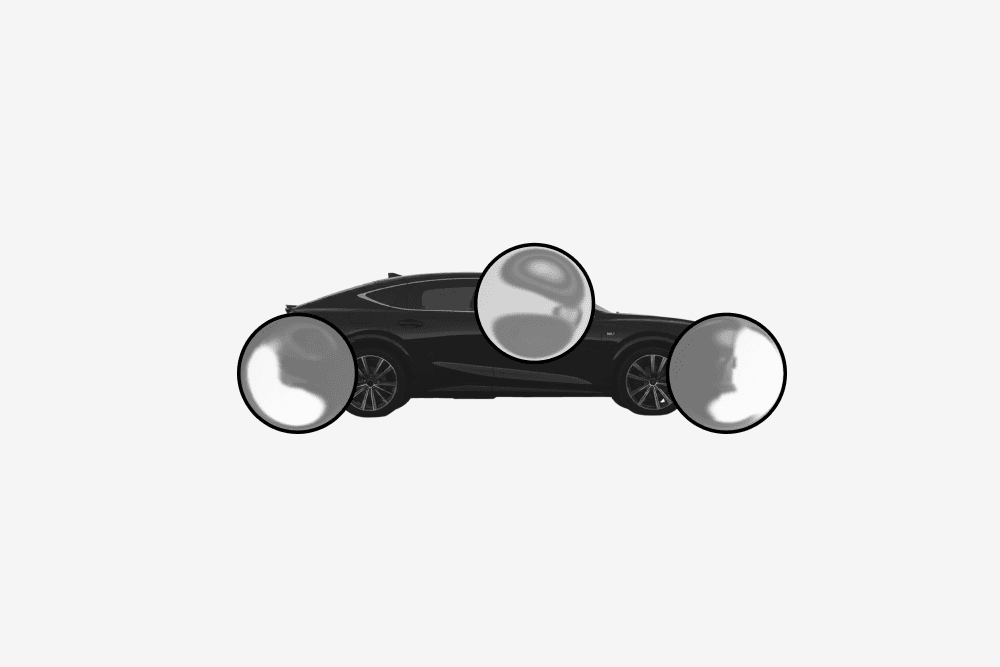
Model explanation
Clarified model and variant labels by providing explanations on a secondary level, helping users understand trim levels and nomenclature.
Configurator
The car configurator presented users with an overwhelming number of options. Many users struggled to understand the value of higher-priced features, while the interface was overloaded with information and functions that were rarely noticed or used.
I Simplified the configuration process, reduce complexity, and make option selection more transparent and user-friendly.

Reduced complexity
Reduced visible complexity by removing or relocating low-use features identified through behavioral tracking.
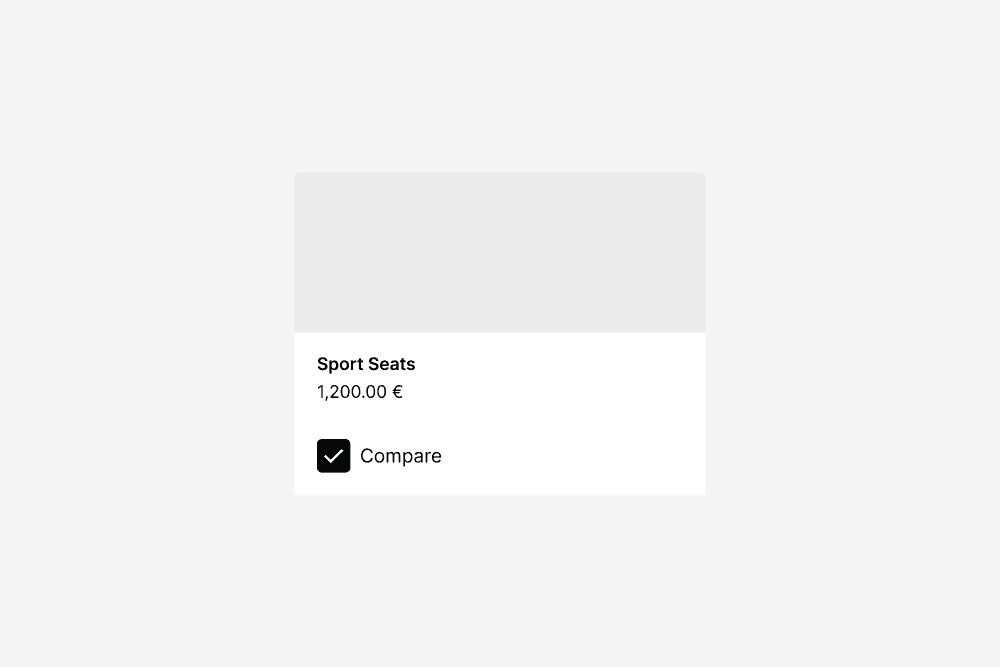
Option comparison
Introduced an option comparison view, allowing users to directly contrast choices (e.g. seats, headlights, sound systems) to support clearer decision-making.
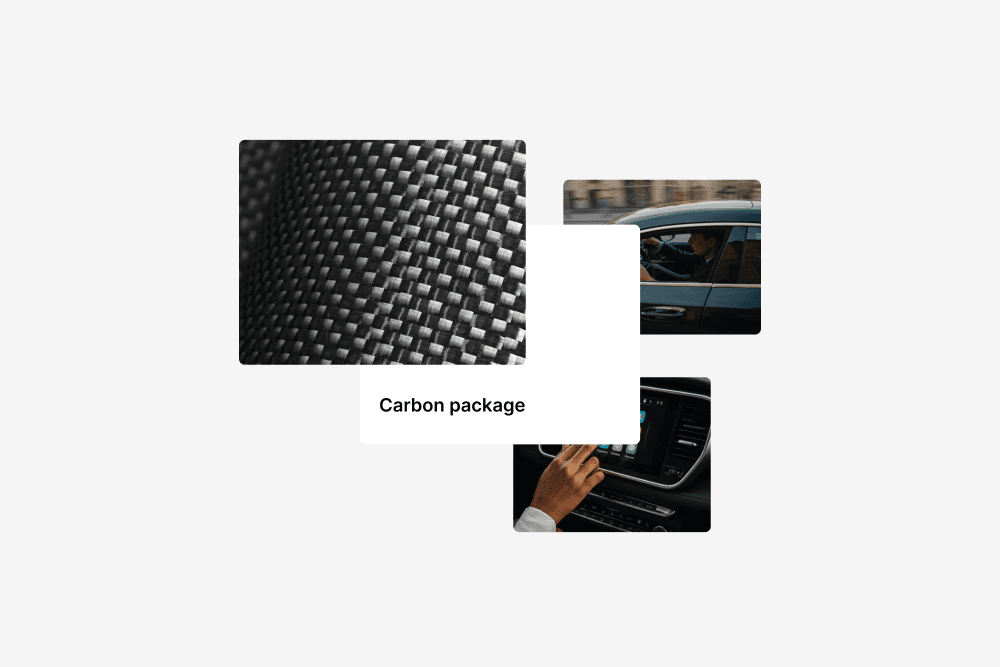
Option bundles
Bundled options with similar style or function into packages, reducing the total number of visible variants.